
Google to End Chrome Updates on macOS Monterey: What It Means for Older Mac Users
Meta Description
Google has announced it will stop Chrome browser updates for Apple devices running macOS Monterey. Learn who is affected, risks involved, and the best alternatives for users with older Macs.
Google Ends Chrome Support for macOS Monterey
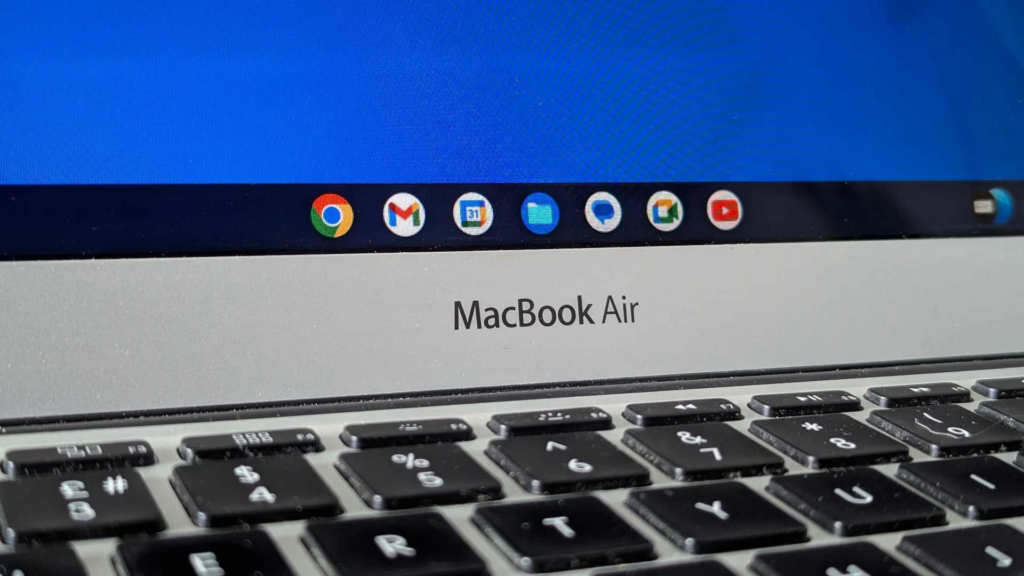
Google has officially announced that it will end Chrome browser updates for Apple devices running macOS Monterey (macOS 12). This decision impacts millions of users worldwide who still rely on older MacBooks, iMacs, and Mac minis that cannot upgrade to newer macOS versions.
While Google Chrome will continue to open and function on macOS Monterey for some time, users will no longer receive security updates, bug fixes, or new features, raising concerns about long-term safety and compatibility.
Why Google Is Dropping Support for macOS Monterey
Technology companies regularly phase out support for older operating systems to focus on performance, security, and modern web standards. Apple itself has shifted its focus to newer macOS versions, and macOS Monterey is gradually being left behind.
Google has confirmed that future Chrome versions will require macOS Ventura (macOS 13) or later, making Monterey incompatible with upcoming releases.
This move allows Google to:
- Improve browser security
- Optimize performance for modern hardware
- Reduce maintenance of outdated systems

What Happens If You Continue Using Chrome on macOS Monterey?
If your Mac is still running macOS Monterey, here’s what you should expect:
1. Chrome Will Still Open
Your current version of Chrome will continue to run normally.
2. No Security Updates
You will stop receiving important security patches, making your browser vulnerable to cyber threats over time.
3. Website Compatibility Issues
Modern websites may gradually stop working correctly as Chrome becomes outdated.
4. Increased Risk Over Time
Using an unsupported browser increases the risk of malware, data leaks, and performance issues.
Which Mac Users Are Most Affected?
This change mainly affects users with older Macs that cannot upgrade beyond macOS Monterey, including:
- Older MacBook Pro models
- Older MacBook Air models
- Legacy iMacs and Mac minis
- Devices used in schools, offices, and small businesses
For many users, hardware limitations make upgrading macOS impossible.
What Are Your Options Now?
If you are affected by this change, consider the following solutions:
Upgrade macOS (If Supported)
If your Mac supports macOS Ventura or newer, upgrading will restore Chrome updates.
Switch to Another Browser
Other browsers may continue supporting macOS Monterey for a limited time, offering a temporary solution.
Use Legacy Patch Tools (Advanced Users)
Some users install newer macOS versions on unsupported Macs using third-party tools, but this involves technical risk.
Upgrade Your Mac
For long-term security and performance, upgrading to newer Apple hardware is the most reliable option.
Final Thoughts
Google ending Chrome updates for macOS Monterey highlights the growing challenge faced by users of older hardware. While the browser will not stop working immediately, the lack of future updates makes continued use risky over time.
If you rely on Chrome for work, education, or daily browsing, now is the right time to plan an upgrade or explore safer alternatives.